Bowmore77 Login Problems: Can't Sign In? Here's How to Fix Access Errors
Bowmore77 Login Problems: Can't Sign In? Here's How to Fix Access Errors
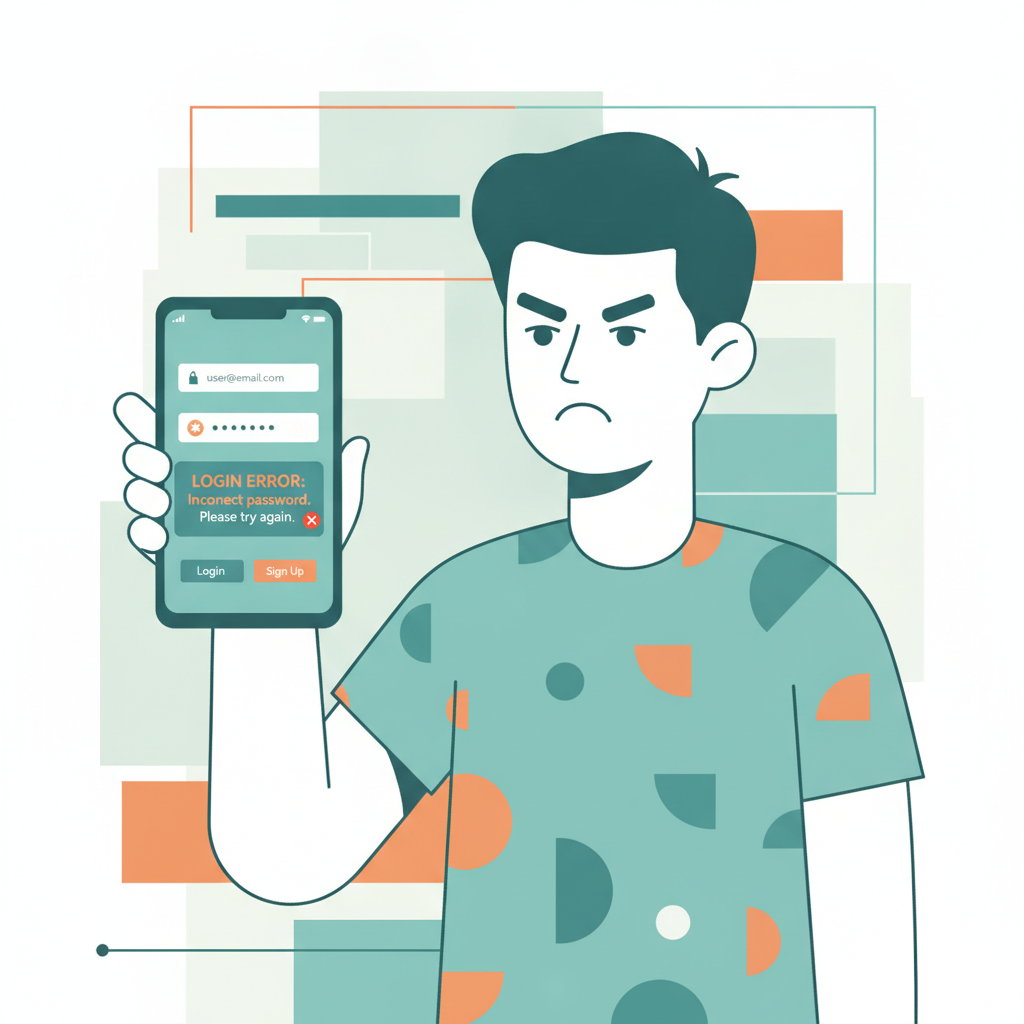
Getting locked out of your Bowmore77 account when you want to bet on PBA or check your withdrawal can be frustrating. Login errors happen for a range of reasons—wrong credentials, expired sessions, app glitches, or account flags—but most are fixable in a few minutes.
This guide walks through the most common Bowmore77 login problems Filipino players encounter on Android and mobile browsers, plus practical steps to regain access. Whether you see an error message, get stuck in a login loop, or simply can't reach the site, the fixes below will help you troubleshoot and sign back in.
21+ only. If you or someone you know needs support with problem gambling, contact the National Center for Mental Health or set deposit limits in your account settings.
Common Login Errors and What They Mean
Bowmore77 returns different error messages depending on the issue. Here's what each one typically means:
"Invalid username or password"
You've mistyped your registered mobile number, email, or password. Because Bowmore77 accounts are usually tied to the phone number you used during registration, double-check that you're entering it in the correct format—ten digits starting with 9, or with the +63 country code.
"Account locked" or "Account temporarily disabled"
Bowmore77 may lock an account after multiple failed login attempts, suspicious activity, or incomplete verification. You'll need to contact customer support to unlock it.
"Please complete verification" or "Document required"
New accounts sometimes require ID upload (government-issued ID, proof of address) before full access is granted. If you skipped verification steps or the system flagged your account, you won't be able to log in until documents are submitted and approved.
"Session expired" or blank screen after entering credentials
This usually means cached data or cookies in your browser or app are out of date. The login token has expired, and the system can't refresh it.
"Service temporarily unavailable" or infinite loading
The platform may be under scheduled maintenance, experiencing high traffic, or your internet connection might have dropped mid-login.
Resetting Your Password and Recovering Your Account
If you've forgotten your password or typed it wrong too many times, use the password-reset flow:
- Tap "Forgot Password" on the login screen. On the Bowmore77 app or mobile site, you'll see this link below the password field.
- Enter your registered mobile number or email. Make sure it matches the details you gave when you signed up.
- Check for the OTP or reset link. Bowmore77 will send a one-time PIN by SMS to your phone, or an email with a password-reset link. This usually arrives within one to two minutes.
- Create a new password. Follow the link or enter the OTP, then choose a password that's at least eight characters with a mix of letters and numbers. Avoid reusing old passwords.
- Log in with the new credentials. Return to the login screen and sign in.
If the OTP or reset email doesn't arrive:
- Confirm you entered the correct mobile number or email.
- Check your phone's SMS inbox and spam folder; some networks delay promotional messages.
- Wait five minutes, then request another OTP. Bowmore77 limits how often you can request codes to prevent abuse.
- If you still receive nothing, contact Bowmore77 support via live chat or the in-app help button. Have your registered phone number and a photo of your ID ready to verify your identity.
Account locked after too many wrong attempts?
Bowmore77 typically locks accounts for 15 to 30 minutes after five consecutive failed logins. Wait out the timer, then try the password-reset process. If the lock persists beyond an hour, reach out to support—there may be a security flag on the account that requires manual review.
Clearing App Cache or Browser Cookies to Fix Login Loops
Login loops—where you enter credentials, the screen refreshes, and you're back at the login page—are almost always caused by stale cache or cookies that conflict with the server's session data.
On the Bowmore77 Android App
- Open your phone's Settings → Apps → Bowmore77 (or "All apps" if you don't see it immediately).
- Tap Storage → Clear Cache. This removes temporary files without deleting your login details.
- If clearing cache doesn't help, tap Clear Data. This signs you out and resets the app to its fresh-install state. You'll need to log in again, but it often fixes persistent loops.
- Restart the app and try logging in.
If the problem continues, uninstall the Bowmore77 APK, then download the latest version from the official site. Outdated app builds sometimes have session-handling bugs that updates resolve.
In Chrome or Another Mobile Browser
- Tap the three-dot menu → Settings → Privacy and security → Clear browsing data.
- Select "Cookies and site data" and "Cached images and files." Choose "All time" as the time range if the issue has been going on for days.
- Clear data, then close and reopen the browser.
- Navigate to Bowmore77's mobile site and log in again.
Alternatively, try logging in via an Incognito or Private browsing window. If that works, the problem is definitely cached data in your regular browser session.
Checking if Bowmore77 Is Blocked or Under Maintenance
Sometimes the issue isn't on your end—Bowmore77 itself may be temporarily unreachable.
Scheduled maintenance
Online casinos and sportsbooks in the Philippines occasionally take the platform offline for software updates, usually in the early morning (1–4 a.m. Philippine Time). Check Bowmore77's official Facebook page, Telegram channel, or in-app announcements for maintenance schedules. These windows rarely last more than an hour.
High traffic during major events
When big PBA or NBA games tip off, login servers can slow down or time out if thousands of players try to place last-minute bets. If you see "Service unavailable" during peak hours, wait a few minutes and refresh.
Internet or DNS issues
Confirm your mobile data or Wi-Fi is working by opening another site or app. If other sites load but Bowmore77 doesn't, try switching between Wi-Fi and mobile data, or toggle Airplane Mode on and off to force a fresh connection.
ISP or regional blocks
Some Philippine internet service providers intermittently block or throttle offshore gaming domains. If you suspect a block:
- Switch to mobile data (Globe, Smart, DITO) instead of home broadband.
- Use a different DNS service. Change your phone's private DNS setting to
dns.google(Google Public DNS) under Settings → Network & internet → Private DNS. - Check player forums or Facebook groups to see if others on your ISP report the same problem.
If Bowmore77 remains unreachable for more than a few hours, contact support via their official social-media channels or the email listed on the homepage. They may provide an alternate login URL or mirror site.
What to Do if None of These Fixes Work
If you've reset your password, cleared cache, checked for maintenance, and still can't log in:
- Contact Bowmore77 customer support. Use the live-chat widget (accessible from the homepage even when logged out), email, or Facebook Messenger. Provide your registered mobile number, the exact error message, and a screenshot if possible.
- Verify your identity. Support may ask for a photo of your government ID and a selfie holding the ID to confirm you own the account. This is standard anti-fraud procedure.
- Check your email and SMS for account alerts. Bowmore77 sends notifications if your account is suspended, flagged for verification, or restricted due to bonus-abuse detection. Read any messages carefully—they usually include next steps.
- Be patient with response times. Live chat is fastest (often under ten minutes), but email inquiries can take several hours, especially during weekends or big sporting events.
Preventing Future Login Issues
Once you're back in, take a few steps to avoid repeat problems:
- Save your password in a secure place—a password manager or notes app protected by your phone's lock screen.
- Enable two-factor authentication (2FA) or SMS verification if Bowmore77 offers it. This adds a layer of security and can speed up account recovery.
- Keep the Bowmore77 app updated. Check for new APK versions every few weeks, or enable auto-updates if you installed via a third-party app store.
- Complete ID verification early. Upload your valid ID and proof of address as soon as your account is created. Verified accounts face fewer login restrictions and faster withdrawals via GCash or Maya.
- Use a stable internet connection when logging in. Avoid switching between Wi-Fi and mobile data mid-session, which can break authentication tokens.
Final Reminder: Play Responsibly
Bowmore77 is for players aged 21 and over. If gambling is affecting your finances, relationships, or well-being, reach out for help. Set deposit and loss limits in your account settings, take breaks, and remember that betting on PBA, NBA, slots, or live dealer games should be entertainment, not a way to make money.
By following the troubleshooting steps above—password resets, cache clearing, maintenance checks, and support contact—you'll resolve most Bowmore77 login problems quickly and get back to your account. Keep your credentials secure, stay updated on platform announcements, and you'll minimize downtime in the future.