Bowmore77 Bank Transfer Withdrawal: InstaPay and PESONet Cashout Guide
Bowmore77 Bank Transfer Withdrawal: InstaPay and PESONet Cashout Guide
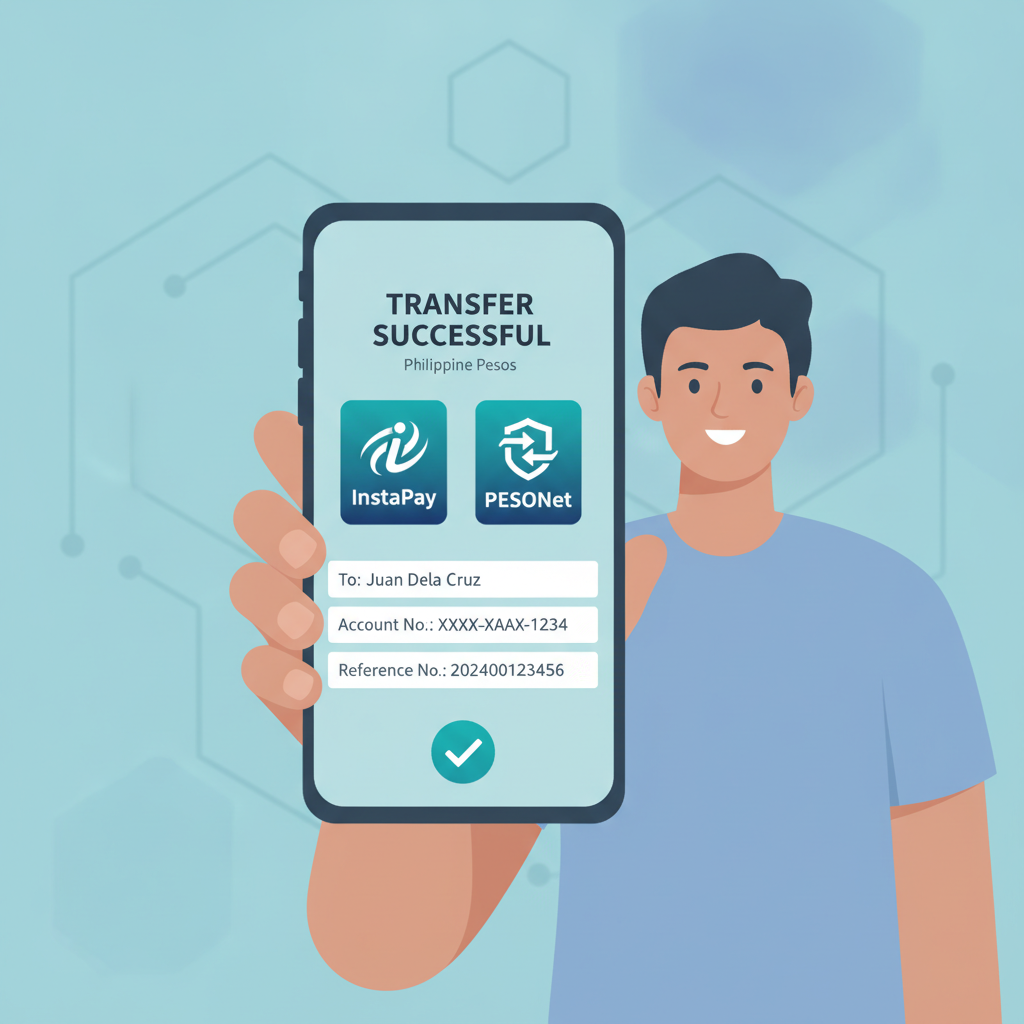
Bowmore77 lets players in the Philippines withdraw winnings directly to their bank accounts using two rails: InstaPay and PESONet. Both move pesos from your casino balance to your local bank, but they differ in speed, operating hours, and how the platform routes your request. This guide walks through choosing the right method, entering your account details, limits and fees, processing times, and what to do if your cashout is delayed.
21+ only. Set deposit limits and take breaks if betting stops being fun.
Choosing Between InstaPay and PESONet for Bowmore77 Cashouts
Bowmore77 offers both InstaPay and PESONet when you select bank transfer as your withdrawal method. Here's how they compare:
InstaPay is designed for real-time transfers. When you request a Bowmore77 withdrawal via InstaPay, the funds typically reach your bank account within minutes to one hour during PESONet and InstaPay operating hours (most banks process these 24/7, but some may have cut-off times). InstaPay works best for cashouts up to PHP 50,000 per transaction.
PESONet is a batch-processing system. Withdrawals submitted before the daily cut-off (usually around 10:00 or 11:00 AM Manila time) are processed the next banking day. If you request a PESONet cashout in the afternoon or on a weekend, expect funds to arrive on the next weekday. PESONet supports higher per-transaction amounts—up to PHP 1,000,000—making it a better choice for larger withdrawals.
Which should you pick?
- InstaPay if you need the money quickly and your withdrawal is under PHP 50,000.
- PESONet if you're cashing out a bigger win or don't mind waiting until the next business day.
Bowmore77's cashier will usually show both options when you choose "Bank Transfer." If only one appears, it may depend on the amount you entered or your bank's compatibility.
Entering Your Bank Account Details Correctly
Mistakes in account information are the most common reason Bowmore77 bank withdrawals fail or get delayed. Here's what you need to provide in the cashier:
- Bank name
Select your bank from the dropdown. Bowmore77 supports major Philippine banks including BDO, BPI, Metrobank, UnionBank, Security Bank, Landbank, PNB, and many others. If your bank isn't listed, contact Bowmore77 support before attempting the withdrawal. - Account number
Enter your full savings or current account number exactly as it appears on your passbook, ATM card, or mobile banking app. Do not add spaces or dashes. For example, if your BPI account is1234-5678-90, enter1234567890. - Account name
Type your name exactly as registered with your bank. If your bank account says "Juan P. Dela Cruz," use that—middle initials and suffixes matter. Bowmore77 may reject withdrawals if the account name doesn't match the name on your verified casino account. - Branch code or other identifiers
Some banks require a branch code or SWIFT/BIC. Bowmore77's form will prompt you if needed. Check your bank's mobile app or call their hotline if you're unsure.
Pro tip: Save your bank details in Bowmore77's cashier after your first successful withdrawal. You won't have to re-enter everything next time, and you reduce the risk of typos.
Withdrawal Limits and Fees for Bank Transfers
Minimum withdrawal: Bowmore77 sets a minimum bank transfer cashout of PHP 200. Anything below that, you'll need to use GCash or Maya instead.
Maximum per transaction:
- InstaPay: PHP 50,000
- PESONet: PHP 1,000,000
Daily and monthly limits: Bowmore77 may impose a cumulative daily or monthly cap depending on your account status and VIP tier. Standard accounts often see a daily limit around PHP 50,000–100,000. Check the "Limits" section in your cashier or ask live chat for your exact ceiling.
Fees:
Bowmore77 typically charges a small flat fee or percentage for bank withdrawals—often PHP 15–50 per transaction or around 1–2% of the amount. The exact fee appears on the confirmation screen before you submit. Your bank may also deduct a receiving fee (usually PHP 10–25 for InstaPay or PESONet), so the final amount credited may be slightly less than what Bowmore77 sent.
No-fee threshold: Some players report that larger withdrawals or higher VIP tiers qualify for fee waivers. If you're a regular, ask Bowmore77 support if you're eligible for reduced or zero-fee cashouts.
Processing Times and What to Do If Funds Don't Arrive
Expected timelines:
- InstaPay: Funds usually land in your bank within 10 minutes to 1 hour after Bowmore77 approves the request. Bowmore77's internal approval can take anywhere from a few minutes to a few hours, depending on verification checks.
- PESONet: Expect next banking day arrival if submitted before the cut-off, or the day after if submitted later or on weekends. Total time from request to bank credit is typically 24–48 hours.
Steps Bowmore77 takes before releasing funds:
- Verification check: Bowmore77 reviews your account to ensure you've met any wagering requirements and that the account name matches your verified ID.
- Approval: Once cleared, the status changes from "Pending" to "Approved" or "Processing."
- Transfer initiation: Bowmore77 sends the pesos via InstaPay or PESONet.
- Bank receipt: Your bank credits your account and may send an SMS or app notification.
If your money doesn't arrive on time:
- Check your transaction history in the Bowmore77 cashier. Look for the status: "Pending," "Approved," "Processing," or "Completed."
- Pending means Bowmore77 hasn't finished internal checks. Wait a bit longer or contact support if it's been over 24 hours.
- Approved/Processing means the request left Bowmore77's side. The delay is likely with InstaPay, PESONet, or your bank.
- Completed on Bowmore77's end but not in your bank? Check your account number and name for typos. Contact your bank's customer service to trace the incoming InstaPay or PESONet credit using the reference number Bowmore77 provides.
Common causes of delays or failures:
- Mismatched account name: The receiving bank rejects the transfer. Bowmore77 will return the funds to your casino balance, and you'll need to re-submit with the correct name.
- Weekend or holiday: PESONet doesn't process on weekends and holidays. An InstaPay request may still go through, but some banks pause crediting outside business hours.
- Bank system downtime: Rare, but it happens. Check your bank's social media or website for service advisories.
- Insufficient account verification: Bowmore77 may hold the withdrawal pending additional ID or selfie uploads. Check your email or account dashboard for requests.
What to do next:
- Screenshot your withdrawal request (date, time, amount, reference number).
- Contact Bowmore77 live chat with the reference number. They can provide a transaction ID or proof-of-payment to share with your bank.
- Call your bank if Bowmore77 confirms the money was sent. Provide the sender name (usually the payment processor Bowmore77 uses), amount, and date.
Most issues resolve within 24–48 hours once both sides are aware. Bowmore77's support team is used to tracing InstaPay and PESONet cashouts, so don't hesitate to reach out.
Tips for Smooth Bowmore77 Bank Withdrawals
- Verify your Bowmore77 account fully before requesting your first cashout. Upload a valid government ID and proof of address if prompted. Unverified accounts face longer approval times.
- Withdraw to the same bank account consistently. Switching accounts frequently can trigger additional checks.
- Keep an eye on cut-off times. If you need money by tomorrow, submit your PESONet request before 10 or 11 AM Manila time.
- Avoid peak hours. Late Friday afternoons or the day before a long weekend may see heavier processing queues.
- Save confirmation emails and reference numbers. They're invaluable if you need to follow up.
Responsible Gambling Reminder
Bowmore77 is for players 21 years old and above in the Philippines. Withdrawing your winnings is part of keeping gambling fun and under control. If you find yourself chasing losses or betting more than you can afford, use Bowmore77's deposit limits, take a break, or reach out to a local support service. Only gamble with money you're comfortable losing, and never borrow to play.
Final Thoughts
InstaPay and PESONet give Bowmore77 players two solid routes to move pesos from the casino back to their bank accounts. InstaPay shines when you want cash fast and under PHP 50,000, while PESONet handles bigger sums with next-day delivery. Double-check your account details, understand the fees and limits, and keep transaction records handy. Most Bowmore77 bank withdrawals complete smoothly, but if something goes wrong, you now know exactly how to troubleshoot and get your cashout back on track.